Having a smart home no longer means remodeling or spending a fortune. With Google Home you can start with one or two devices, control them from your phone or with your voice, and grow at your own pace. The key is to start in the right order so everything works well from day one.
Here is how to do it, step by step.
What Google Home is and what changed with Gemini
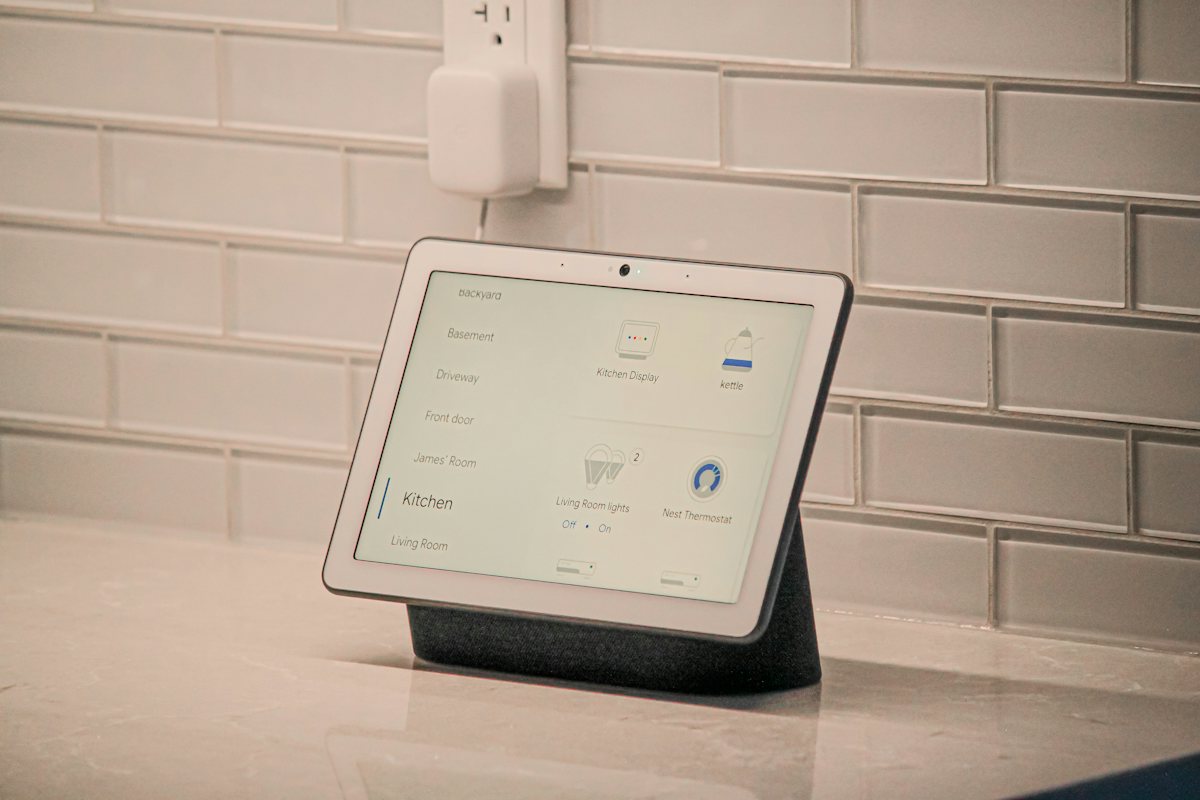
The Google Home app is free, and it's where you control all your devices: lights, plugs, cameras, locks and more. It's also where you create routines and share control with your family.
The big news is Gemini for Home, Google's new assistant for its home devices. It understands natural conversation, lets you ask follow up questions without repeating the wake word, and handles multi step requests, like turning off all the lights except one lamp.
If you want extra features down the road, there is Google Home Premium, an optional subscription that adds things like Gemini Live and searching your Nest camera history. You don't need it to get started.
Step 1: choose the brain of your home
Everything starts with a device that listens to you and coordinates everything else. You have two paths:
- A smart speaker. On June 25, 2026, Google launched the new Google Home Speaker in the United States for USD 99.99. It's Google's first speaker built for Gemini, with 360 degree sound and a soft light ring at the base that shows when it's listening. It comes in four colors: Hazel, Porcelain, Jade and Berry. You can also pair two of them with the Google TV Streamer for home theater sound.
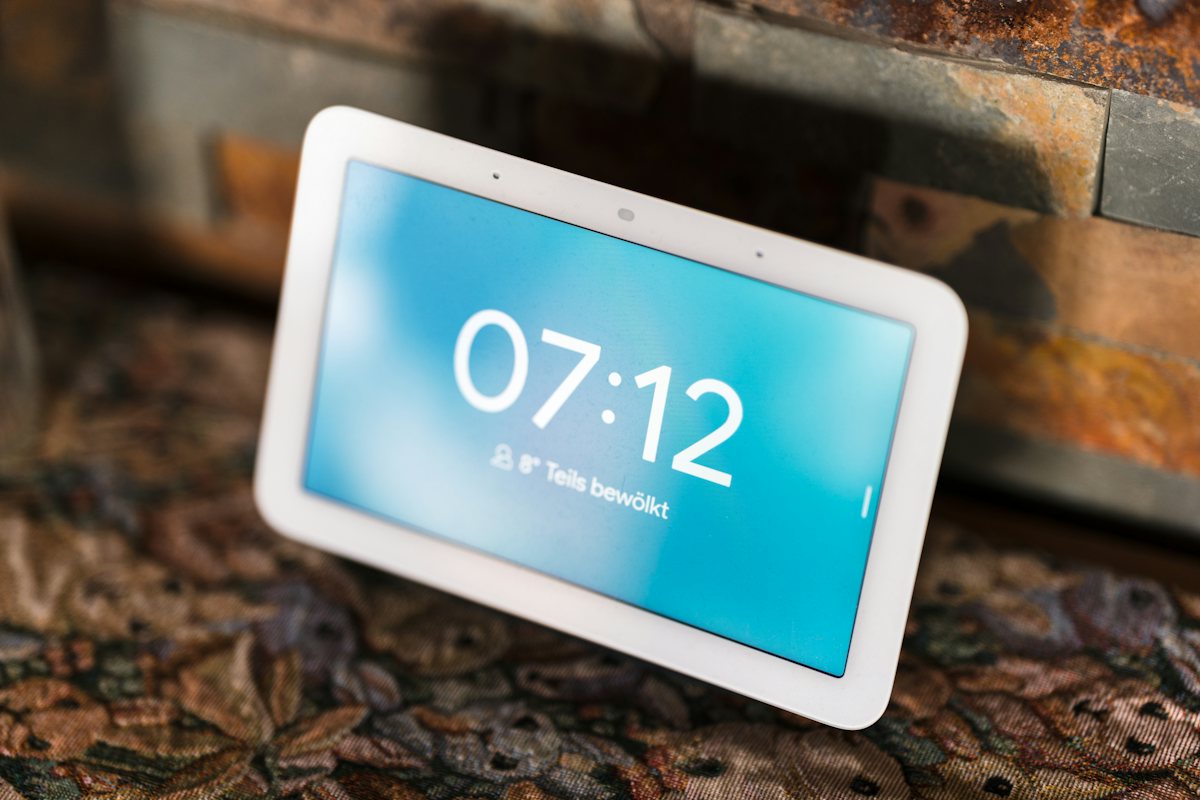
- A smart display. If you want to check your cameras, follow recipes in the kitchen or keep the time and your calendar in view, a display is the better choice.
Availability and prices in Mexico may differ, so check before you buy. If you're not sure, we're happy to help you choose the right one for your home.
Step 2: make sure your WiFi reaches every room
A smart home is only as good as its internet. Before buying more devices, walk around your house with your phone and check that the signal is strong in every bedroom, the backyard and the garage. If there are dead spots, a mesh WiFi system usually solves it better than a basic extender.
Step 3: start small
Don't buy everything at once. The best first steps are affordable and easy to install:
- Smart plugs for the coffee maker, a lamp or a fan.
- Smart bulbs in the living room and bedrooms, so you can change brightness and color without getting up.
When you shop, look for devices compatible with Matter, the standard that lets them work with Google Home without hassle. Once you've got the basics down, move on to locks, thermostats and cameras.
Step 4: create routines that save you time
Routines are the real secret of a smart home. With a single phrase you trigger several actions at once. Three ideas to get started:
- Good morning: turns on the kitchen lights, tells you the weather and reminds you of your to dos.
- Leaving home: turns off lights and plugs and, if you have a smart lock, confirms the door is locked.
- Movie night: dims the living room and leaves just one soft lamp on.
And yes, voice commands work in Spanish too, so the whole family can use them.
Step 5: protect your privacy
A connected home also needs to be a safe home. From day one:
- Review your microphone and camera settings in the Google Home app.
- If your device has a mic mute button, use it whenever you want full privacy.
- Protect your Google account with a strong password and two step verification.
- Don't point cameras at bedrooms or bathrooms, and let anyone who works in your home know where they are.
The bottom line
Choose the brain of your home, make sure your WiFi is solid, start with Matter compatible plugs and bulbs, set up a couple of routines and check your privacy settings. In one weekend you can have the basics running, and grow from there whenever you're ready.
Sources: Google Blog and Android Central.
We offer a free smart home assessment: we check your WiFi, recommend what to buy based on your budget and help you get everything set up.